
WonderDog

Version 20.16.0

Updated 3rd November 2026

About
Own multiple email accounts and find it a pain setting them up on each of your devices? Want an app that takes care of your day-to-day tasks and objectives? Then you need WonderDog, the only solution you need for managing emails, events, task, objectives and much more.
WonderDog lets you configure your email accounts once, and then you just need to login with your Barking Universe account on other devices and your email accounts will appear automatically. In addition to this, this amazing app also comes with an events page, showing you what is happening in your diary this week or over the next 28 days. The tasks page lets you manage prioritised or scheduled tasks, helping you keep on top of those small and large tasks that everyone has to do. They can even be included in weekly and daily plans. Larger tasks can be split up and put into objectives. Objectives can be added to quarterly plans, allowing you to manage everything from daily to yearly tasks, all from one easy to use app.
Are you ready to make managing emails and tasks a breeze?
Features
- Use right in your browser, login with your free Barking Universe account and get started right away.
- The homepage gives you an overview of unread emails, flagged emails, due/overdue events, due/overdue/scheduled tasks and active objectives.
- Add any number of email accounts*, add once and login to this app with your Barking Universe account on each of your devices, no more per device configuration required.
- Includes all the stuff you would expect from an email app, including formatting, attachments, drafts, flagging, filtering, calender events etc.
- Page listing your contacts with space for all the details you require.
- Events page showing events for the next 7 or 28 days. Events can have dates/times, repeats and types set.
- You can set which usernames to share events with. They can then see, edit and delete your events. Get other users to add your username so you can do the same for their events. Great for sharing with other family members.
- Tasks page that lets you manage tasks in a prioritised or scheduled list. You can also view completed tasks.
- Tasks can optionally have due dates and repeats for things you do every week or month.
- Add tasks to weekly plans where you can set what to work on. You can then set a plan to be the active plan. Scheduled tasks are added automatically to the active plan if it falls within the date range.
- Daily plans allow you to select what you want to work on today, removing the other noise so you can focus.
- The objectives page allows you to group tasks under objectives.
- Add objectives to quarterly plans to effectively organise larger pieces of work.
- Notes page that lets you add general notes and ideas. Notes are saved automatically as you type.
- Optimised to work effortlessly on mobiles, tablets and desktop devices.
- Works in all modern web browsers (Chrome, Firefox, Edge & Safari) on PC, Mac, Linux, Android & iOS.
- Option to install the app to easily access it from your home screen/desktop (Chrome & Edge only).
- All features completely free for personal use.
* Please note the app does not currently support Outlook/Hotmail or Gmail accounts. We suggest automatically forwarding the emails on these accounts to another email provider, such as Yahoo.
Screenshots
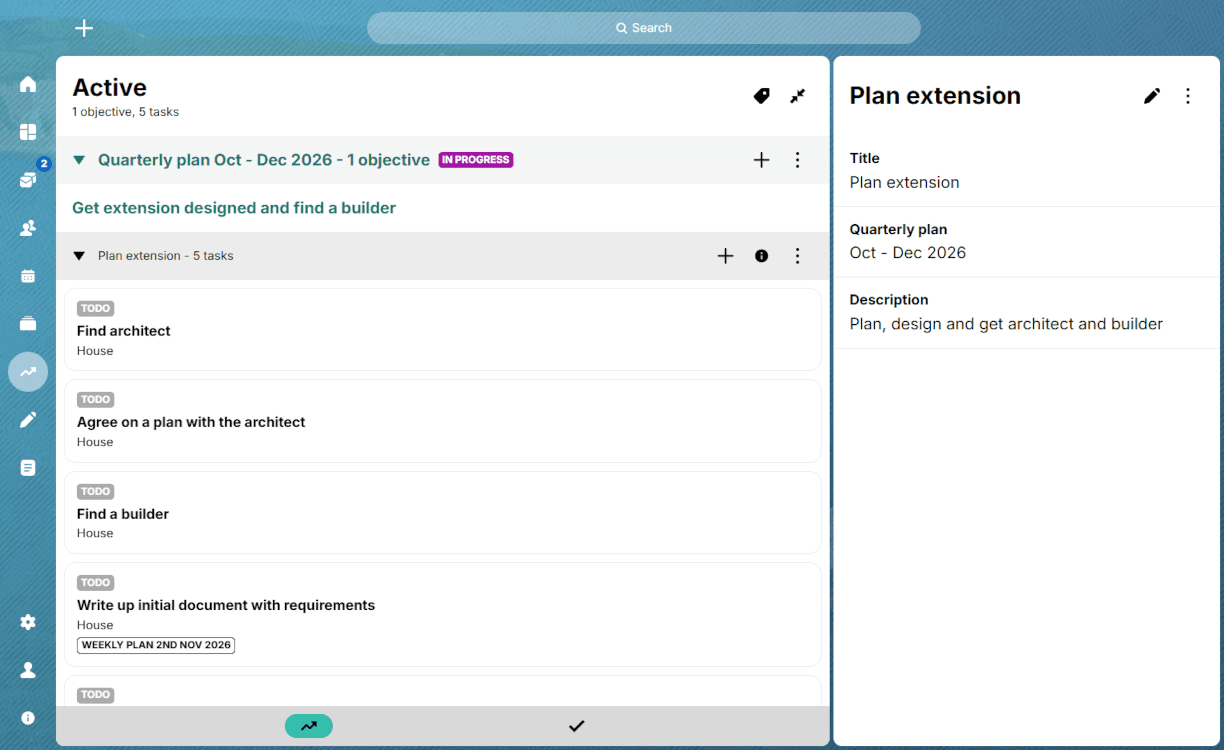 Objectives are great for larger tasks that need to be split up5/5
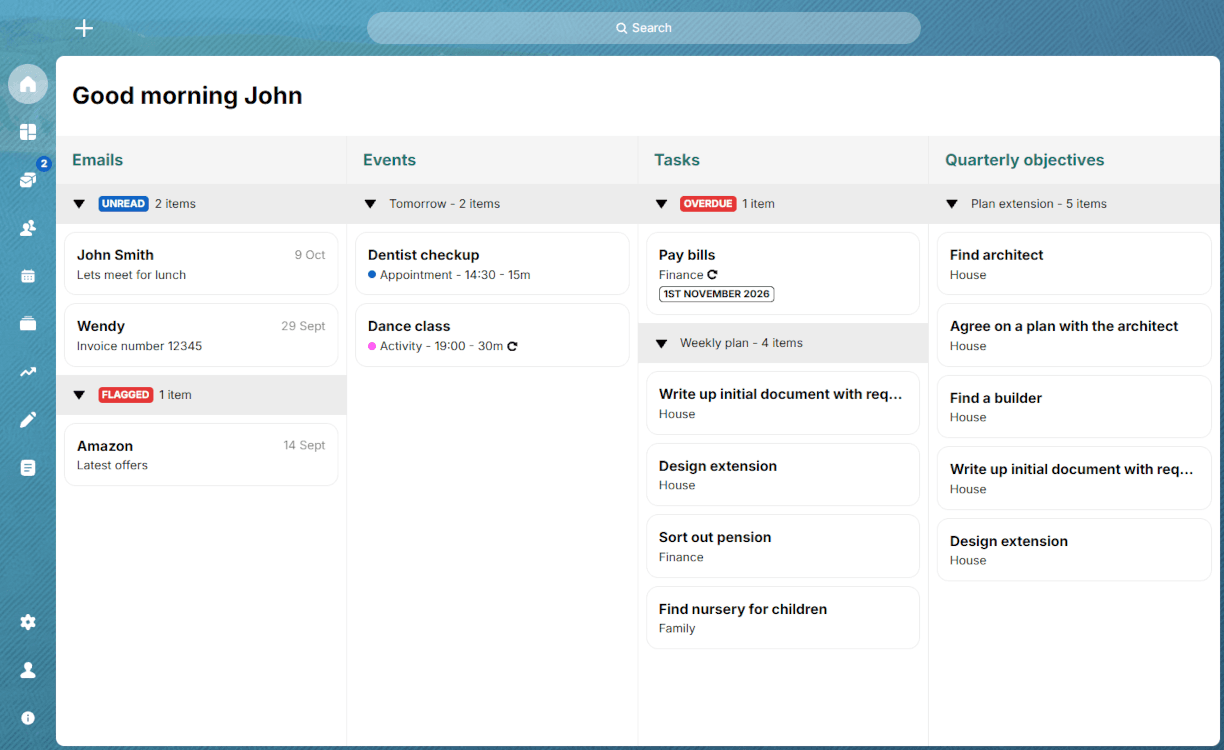 The homepage gives you an overview of everything that is going on1/5
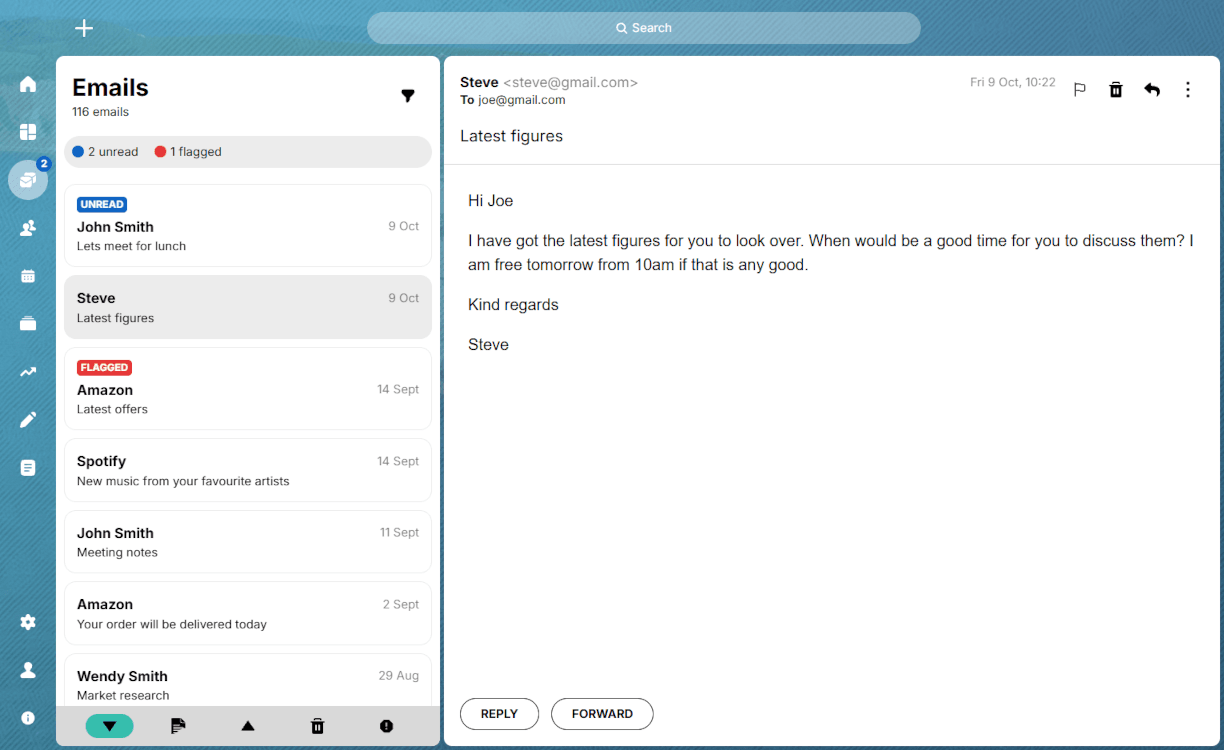 Easily view and interact with your emails across multiple accounts2/5
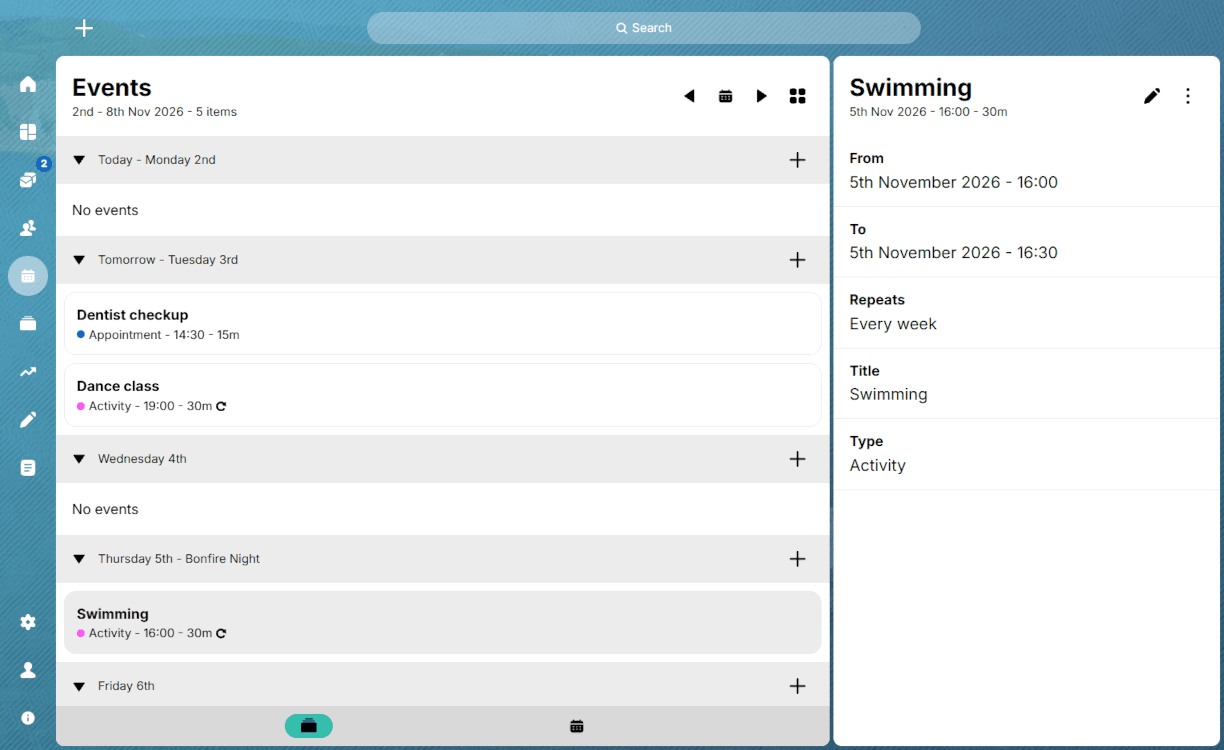 See events for the next 7 days for you and any shared users3/5
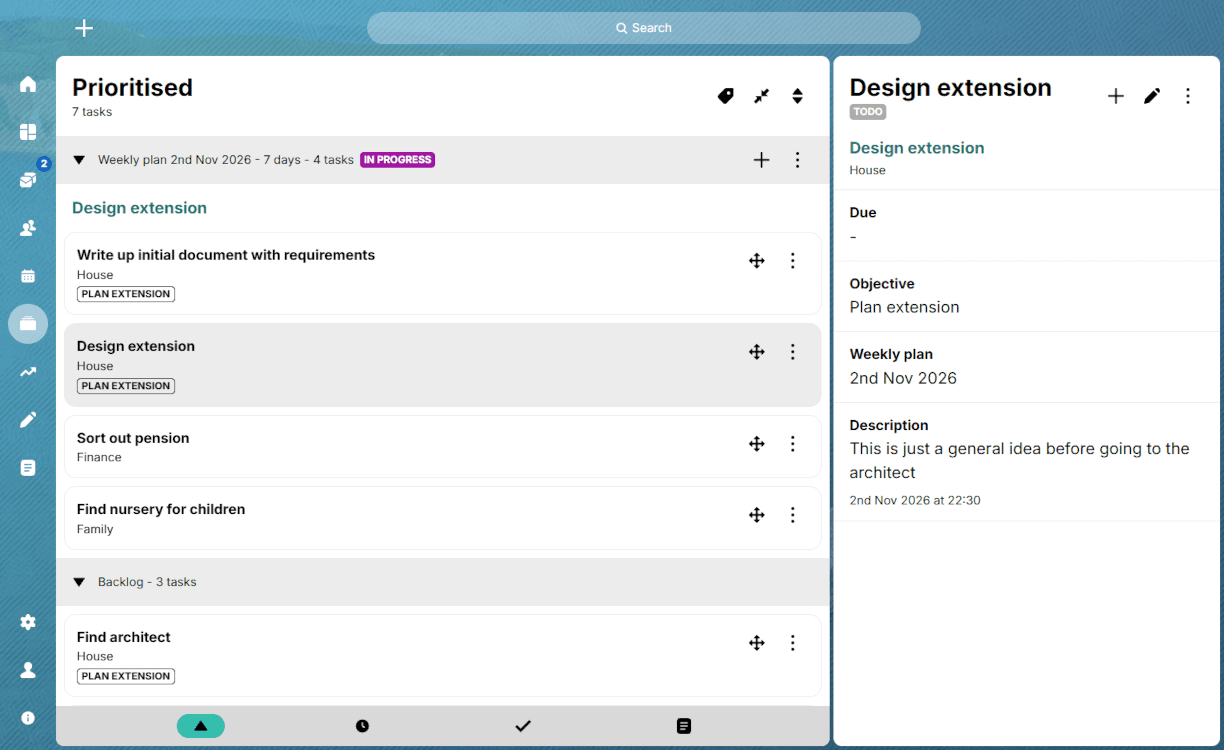 Create tasks to keep on top of your day-to-day activities4/5
- Objectives are great for larger tasks that need to be split up5/5
- The homepage gives you an overview of everything that is going on1/5
Enjoyed this content? Share it with your friends!


More apps to discover

Make organising and planning projects a breeze

All your transactions in one app

Store pictures and complex data in one place



Disclaimer
App is copyright to James M. Young. App cannot be copied or hosted by anyone else. Please feel free to link to this page.
Issues running the app? Please check the help & support page to see if this can help you.
If you spot anything that is wrong, have suggestions or comments, then please get in touch on our contact page.